
Turno
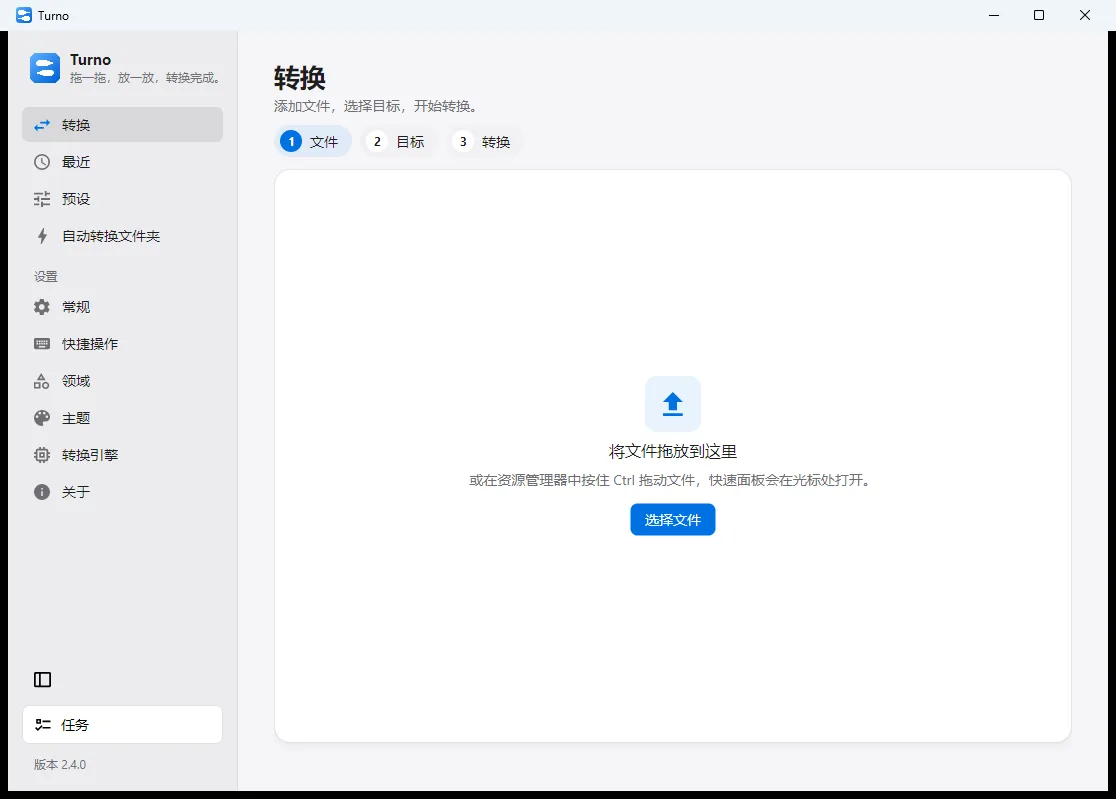
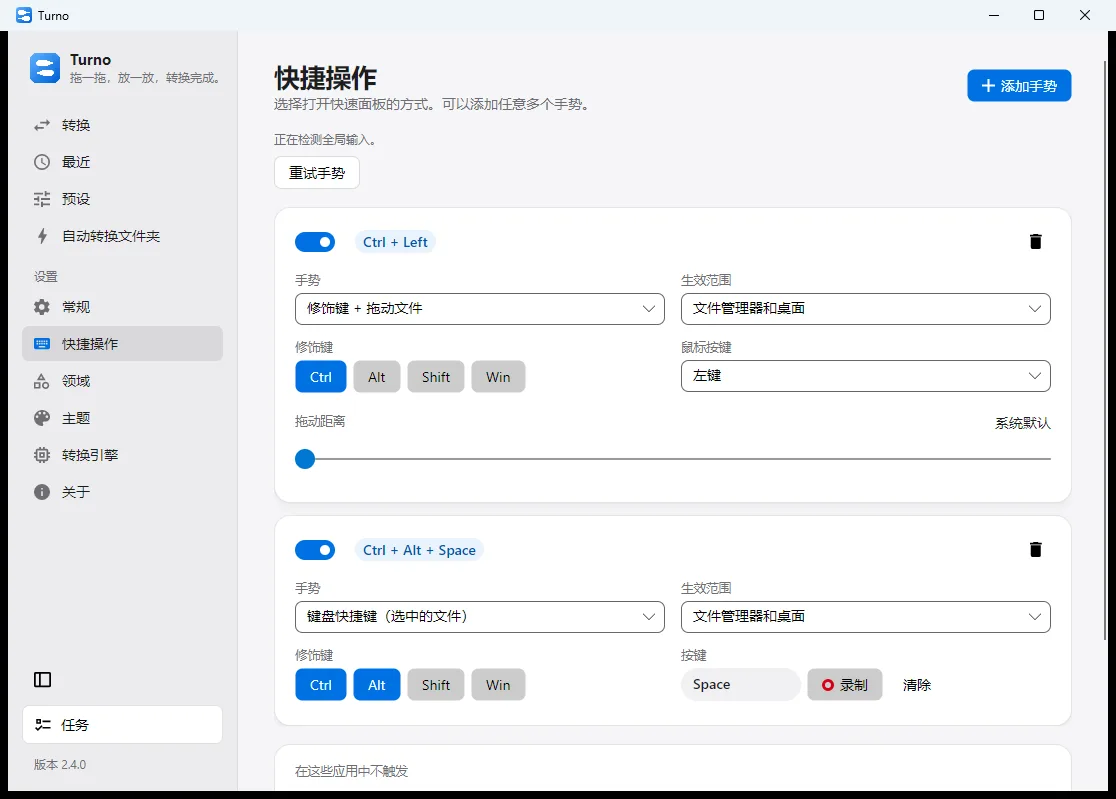
Turno is muko’s Windows converter. Drop a file onto the window, or hold Ctrl and drag it in File Explorer, and the quick panel opens at the cursor with the formats your installed engines can actually finish. Version 2.4.0 is free, has no ads, and does the work on your PC.
Good for
- You often turn images, documents, PDFs or media into another format
- You want to convert from File Explorer instead of uploading to a website
- You want the files to stay on your computer
Not for
- You need several people editing the same document online
- You need this on a phone — the download here is the Windows installer
Design goals
- Drop files on the window, or hold Ctrl and drag them in File Explorer, and the quick panel opens at the cursor
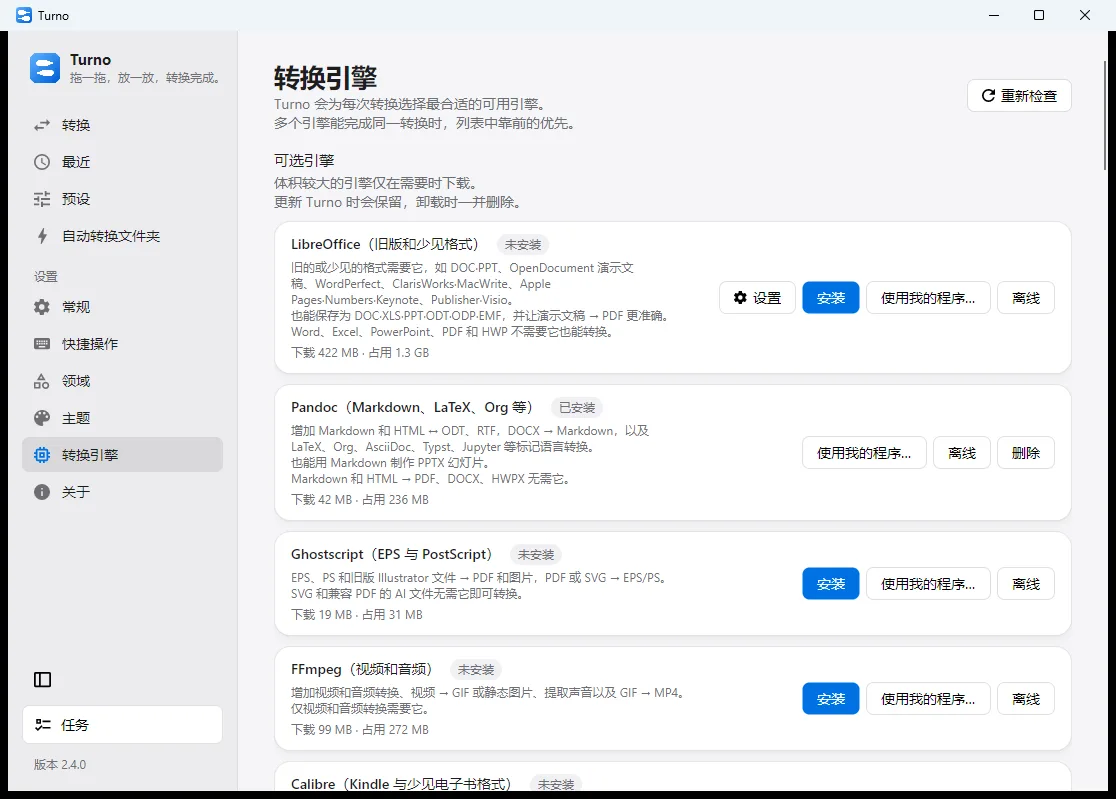
- Images, PDFs, office documents, audio, video, subtitles, ebooks and archives appear when an installed engine can finish them
- Presets, watched folders and keyboard shortcuts keep the conversions you repeat close at hand
- Larger engines such as LibreOffice and FFmpeg are downloaded only when you choose them
Screenshots

Not doing
- No ads, and no account required before a conversion
- Files are not uploaded
- Engines you did not choose are not bundled into the install
Entry details
FAQ
- Does Turno cost money, or show ads?
- Version 2.4.0 is free. It has no ads and does not ask you to sign in.
- Are my files uploaded?
- No. Conversion runs on your computer.
- Can it convert every format as soon as it is installed?
- No. Common image conversions work immediately. Documents and media use engines you can download inside Turno, or a program you already have.