
QR Cube 1.0.0: free QR scanner and generator for Android, no ads
QR Cube 1.0.0 is now live on the muko.cc product page. It is muko’s QR code scanner and generator for Android: scan, create codes and share a QR business card in one app. It is free, has no ads and needs no account, and your scan history stays on your phone.
What 1.0.0 brings
Until now the site only had a QrKit preview, planned as “a minimal scanner, buy once to remove ads.” 1.0.0 is the first real build. Compared with that plan:
- New name, QR Cube, and a wider scope: scanning, creating, a business card, favorites and history
- Free with no ads from day one: no “pay to remove ads” step, no ad slots and nothing locked behind a purchase
- 12 interface languages: 简体中文, 繁體中文, English, Español, العربية, हिन्दी, Русский, Français, Português, Deutsch, 日本語 and Bahasa Indonesia. It follows your system language and falls back to English
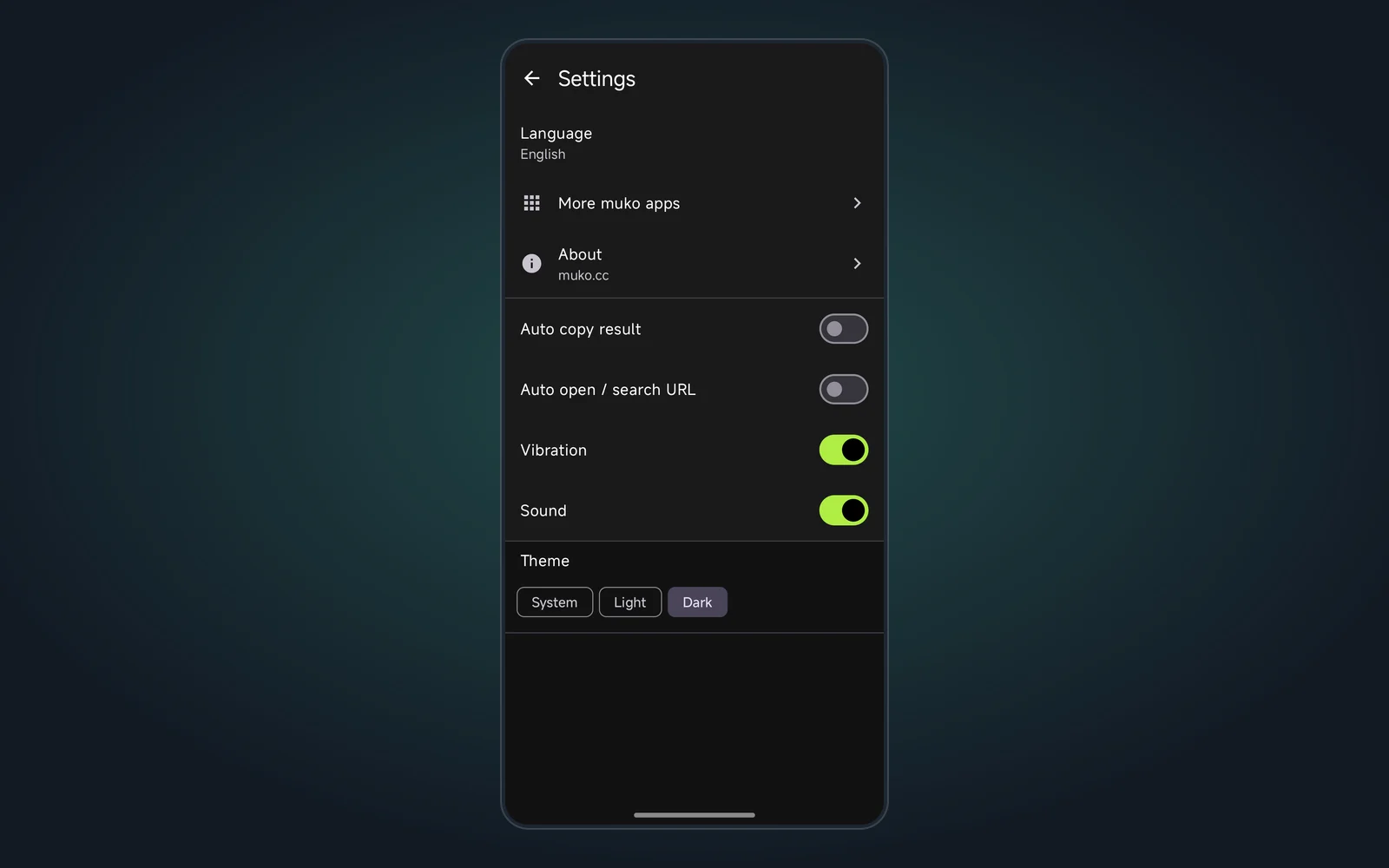
- Settings → About shows the version and the publisher, muko.cc. Settings → More muko apps lists other studio tools and only opens the website; nothing downloads on its own
There was no earlier package, so there is nothing to upgrade from. Just install 1.0.0.
Why should scanning a code come with an ad?
Many free scanner apps put a full-screen ad, a sign-in wall or a subscription prompt between you and the result. QR Cube keeps it short:
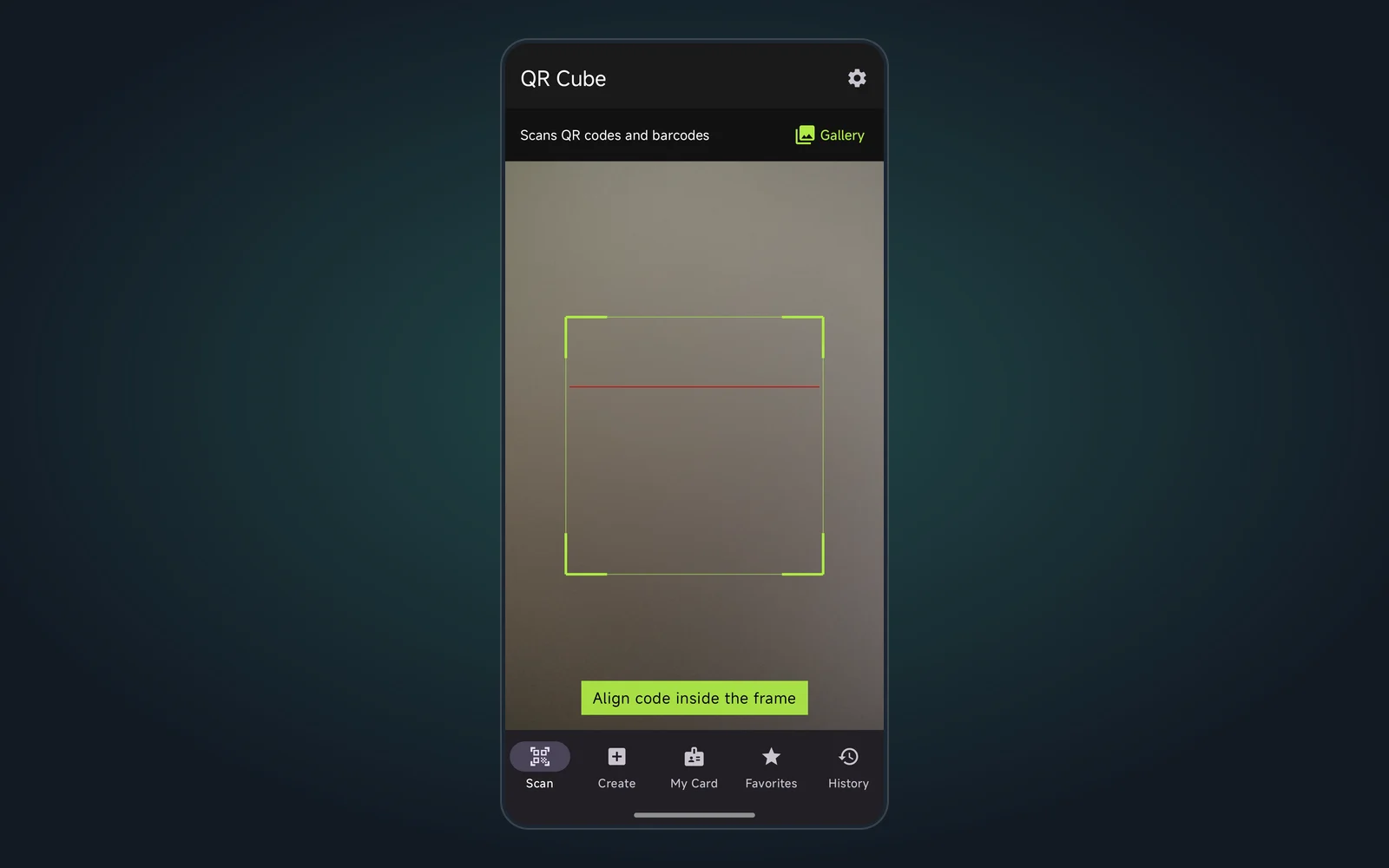
- It opens straight to the viewfinder. On a match it vibrates, beeps and goes to the detail page
- Decoding happens on the device. Scanned content, crops and your card are not uploaded
- No account, and no advertising ID is collected
Features
| Feature | What you can do | Who it helps |
|---|---|---|
| Scan | Live camera scanning, or decode a QR code or barcode from a photo | Everyday scanning of links, product codes and Wi‑Fi codes |
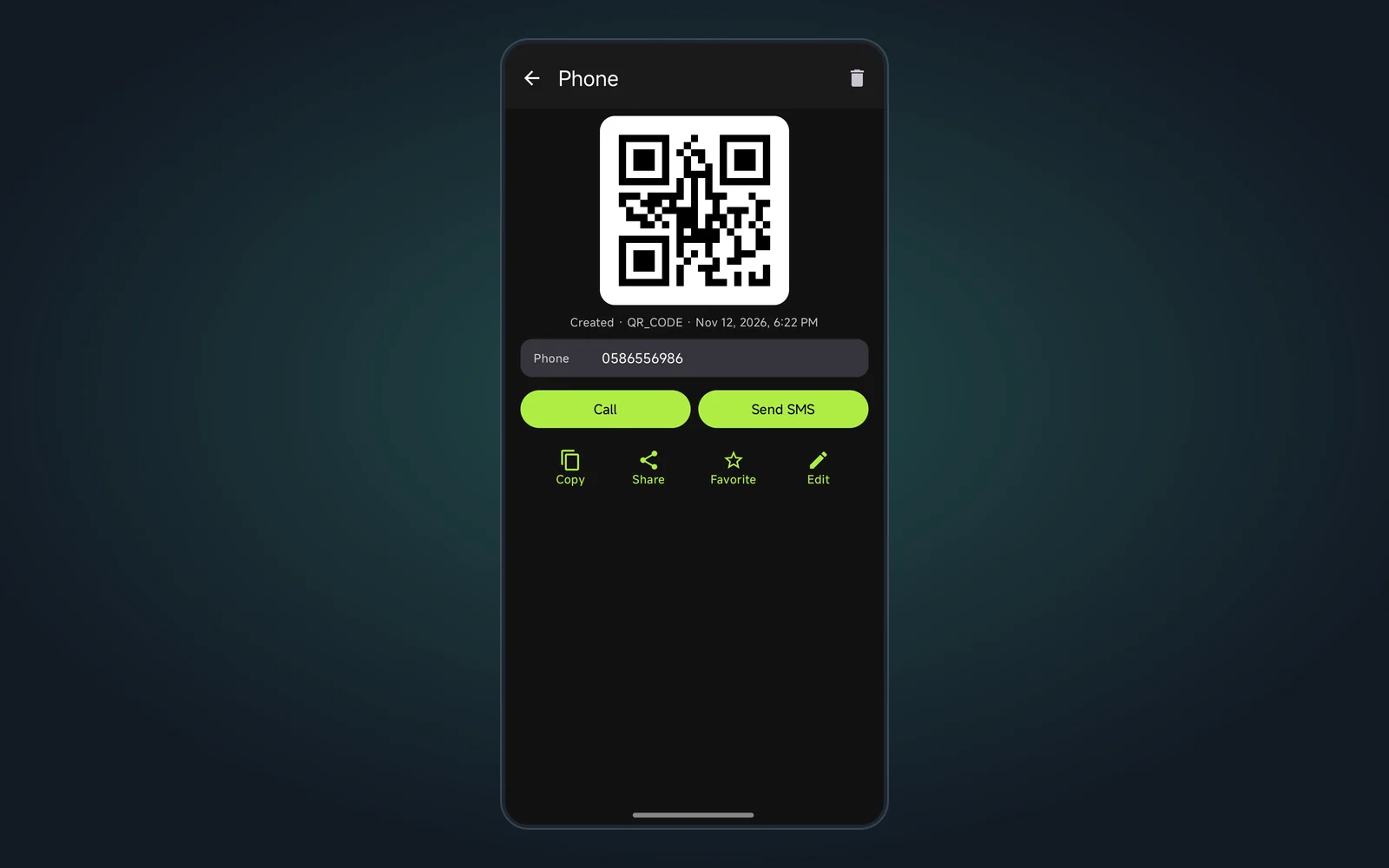
| Keeps the crop | The detail page keeps the crop of the code you scanned, with actions based on content: open link, call, text, copy Wi‑Fi password and more | Anyone who wants to check later what they scanned |
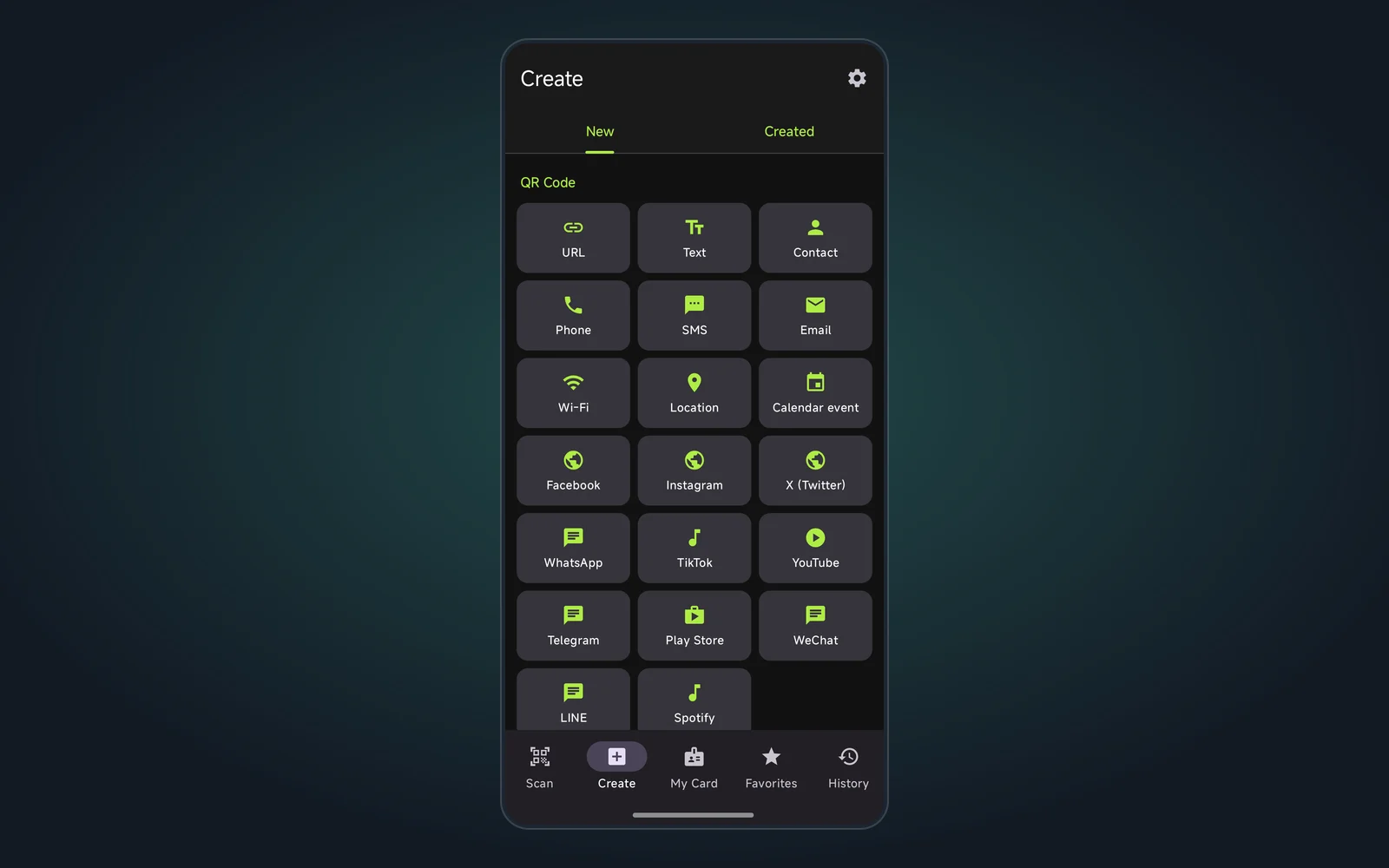
| Create QR codes | 20 types: link, text, Wi‑Fi, contact, phone, SMS, email, location, calendar event, plus 11 social platforms such as WhatsApp, Telegram, YouTube and WeChat | Shops, offices, event organizers |
| Create barcodes | 9 formats: EAN‑13, EAN‑8, UPC‑A, UPC‑E, Code 128, Code 39, Code 93, Codabar, ITF. A wrong check digit shows the correct value | Small-shop labels, inventory |
| QR business card | Enter name, phone, email and company. Others scan it with their phone camera to save your contact | Client meetings, trade shows |
| Favorites & history | Favorite, pin and rename. History is newest first; deleting a record also deletes its crop | People who keep many codes around |
Supported formats: QR Code, Data Matrix, Aztec, PDF417, Code 128 / 39 / 93, Codabar, ITF, and the EAN‑13, EAN‑8, UPC‑A and UPC‑E product codes.
Three common uses
- How to make a Wi‑Fi QR code: Create → Wi‑Fi, enter the network name, password and security (WPA/WPA2, WEP or none), then tap Generate. Put it up in a shop or living room and guests join by scanning with their camera, no spelling out passwords.
- Make a QR code business card: My Card → Generate card, fill it in and save. The card shows one large QR code; let people scan it to save your contact, or share it.
- Scan a product barcode: point at an EAN‑13 or similar code, then copy the number or share it with the code image. Links can open automatically if you turn that on (it is off by default, which helps avoid phishing links).
Settings at a glance
Scan feedback (vibration and sound) is on by default. Auto copy result and Auto open / search URL are off. Theme can follow the system or be light or dark (dark by default). Language can follow the system or be picked by hand.
What it does not do
- No ads and no forced sign-in
- No cloud upload of scans or history, and no multi-device sync
- No scan analytics, short-link tracking or bulk generation for marketing codes
Note: history lives only on your phone, so uninstalling the app deletes all records. Save anything important elsewhere first.
Requirements and download
- OS: Android 8.0 or later
- Permissions: camera (scanning), vibration (scan feedback)
- Price: free, no ads
- Version: 1.0.0
Open the QR Cube product page for screenshots and download links, then install the APK.
Made by muko · https://muko.cc/